Using Our Brand
Writing about Lumio, or showing that your screens run on it? Use the files on this page as they are, and follow the short guidelines below so the logos look right everywhere.
Colours
-
Lumio Blue
#2892FEPrimary colour — the Lumio logo, links and buttons. -
Lightspeed Orange
#FF6839Lumio Lightspeed's mark. -
Slate
#37474FWordmark text on light backgrounds. -
Badge Blue
#1984F9The round Lumio badge. -
Maroon
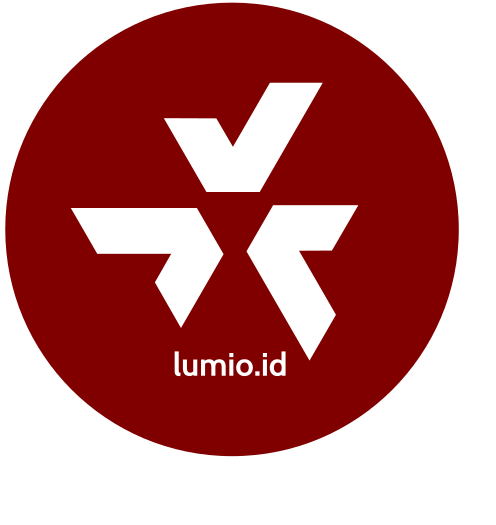
#800000The alternative round badge. -
Night
#000000Dark backgrounds and the triangle wallpaper.
Lumio
The Lumio logo is the triangle mark with the lumio.id wordmark. Use the blue version on light backgrounds and the white version on dark or blue backgrounds.







Lumio Lightspeed
Lumio Lightspeed uses the Lumio mark with speed lines. Use the dark versions on dark backgrounds and the light versions on light backgrounds.










Guidelines
Clear space
Keep an empty space around the logo at least as wide as one of the three blades of the triangle mark. Text, other logos and the edge of the page or screen stay outside it.
Minimum size
- Horizontal logo: at least 120 px (25 mm in print) wide.
- Stacked logo and badges: at least 64 px (15 mm in print) wide.
- Logomark on its own: at least 24 px wide, e.g. for favicons and app shortcuts.
Backgrounds
Use the blue logo on white or light backgrounds, and the white logo on Lumio Blue, black, or dark photos. On a busy photo, place the logo over a calm area or a solid panel so it stays readable.
Please don’t
- Change the logo’s colours, apart from the blue, white and badge versions on this page.
- Stretch, squash, rotate or re-arrange the mark and the wordmark.
- Add shadows, outlines, gradients or other effects.
- Retype the wordmark in another font, or put the logo in a sentence in place of the name.
- Place the logo on a background that doesn’t give it enough contrast.
Need a format that isn’t here, or have a question about using the brand? Contact us at info@lumio.id.
Contact Us
Learn how Lumio’s platform can engage your audience and transform your business. Fill out the form below and we'll contact you as soon as possible.
Thank you!
We received your message and will contact you as soon as possible.